The AI Website Playbook — Brief to Live

Stop collecting prompts. Start building websites.

One connected workflow — brief, research, strategy, design, build, launch — that turns AI from a slot machine into a studio. Real websites, no code from scratch, no template look.

Scroll

01 — The problem

AI can build a website.
Can it build a good one?

Same AI. Drag to see what changes when the process changes.

VERA — skincare website built with the Playbook prompts
AI alone · “make a site for my face cream” With my prompts · VERA

Drag to compare. Same product, an aloe face cream. Left: what one prompt in Claude gives you. Right: VERA, built with these prompts.

  1. A

    Strategy first

    Who it's for and what it must achieve — decided before any pixel.

  2. B

    Art direction

    A chosen visual language, not the model's default purple gradient.

  3. C

    Complete prompts

    Structured instructions with context attached, not one-line wishes.

  4. D

    Directed iteration

    Critique, fix one layer at a time, ship.

02 — The difference

Not another prompt collection.
A connected workflow.

Loose prompts pile up. A system passes context forward — every step builds on the one before.

Without a system — try moving them

“make it modern” “write a hero headline” “more premium pls” “add a contact form” “fix the mobile” “make it pop” “act as a designer” “landing page for real estate” “use nice colors” “make it look like Apple” “add animations” “shorter text”

Nothing connects. Each prompt starts from zero.

With the system

  1. Briefthe client's answers, in writing
  2. Researchfacts, inferences and assumptions — labelled
  3. Strategygoals, sitemap, messaging
  4. Copy & directionthe words and the visual language
  5. Master buildone complete instruction for Claude Code
  6. Websiterefined, tested, live

Every step inherits what the last one decided.

03 — The method

From first brief
to final website.

  1. 01

    Discover

    Replace the vague first call with a structured questionnaire. Goals, audience, offer, tone — in writing.

    You getA completed client brief

  2. 02

    Research

    Business, audience and competitors — every point labelled fact, inference or assumption. No invented reviews or numbers.

    You getResearch you can trust

  3. 03

    Plan

    Turn information into structure: what the site must do, which pages it needs, what each section says.

    You getStrategy, sitemap, copy

  4. 04

    Design

    Collect references with intent and define a visual direction, so the build has a point of view.

    You getA visual direction brief

  5. 05

    Build

    One master instruction to Claude Code. A complete first version, running in your browser.

    You getA working first build

  6. 06

    Refine

    Critique like a designer. Remove the AI look. Fix type, spacing, mobile — one change at a time.

    You getA polished, tested site

  7. 07

    Launch

    Publish free on Cloudflare Pages, connect a working form, point the client's domain, hand over cleanly.

    You getA live website

04 — What's inside
Everything you need.
Nothing you don't.

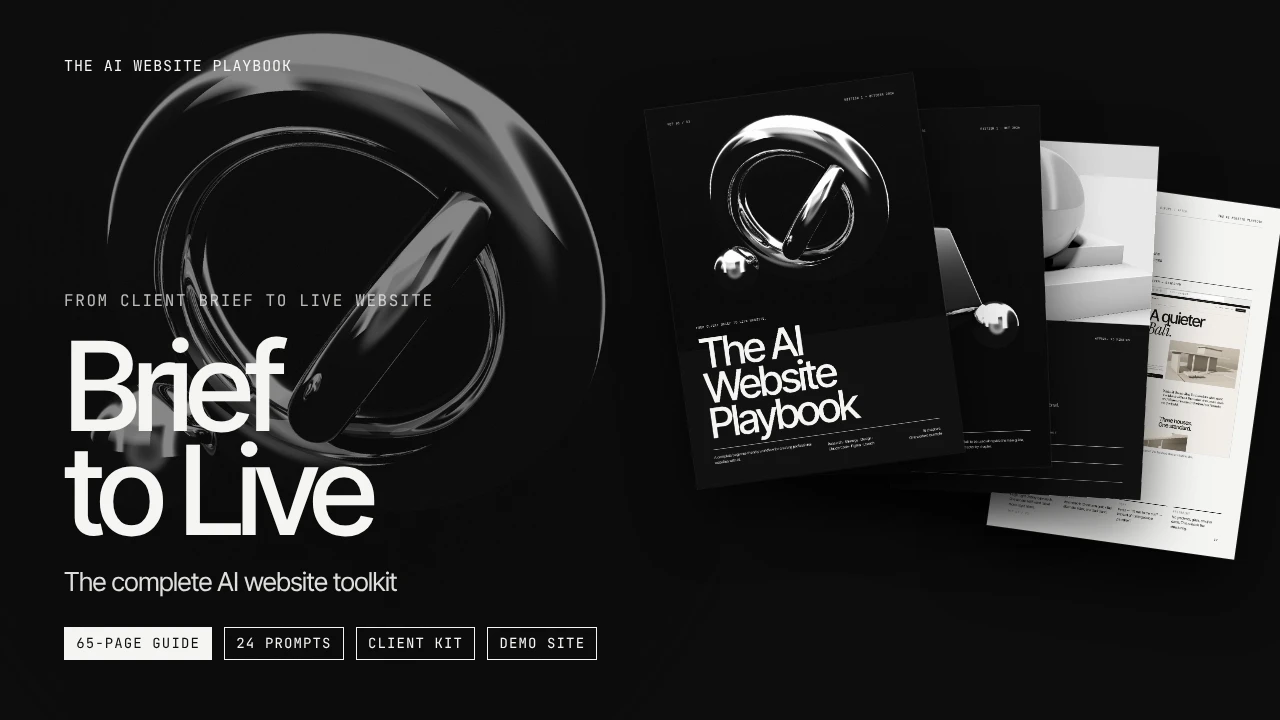
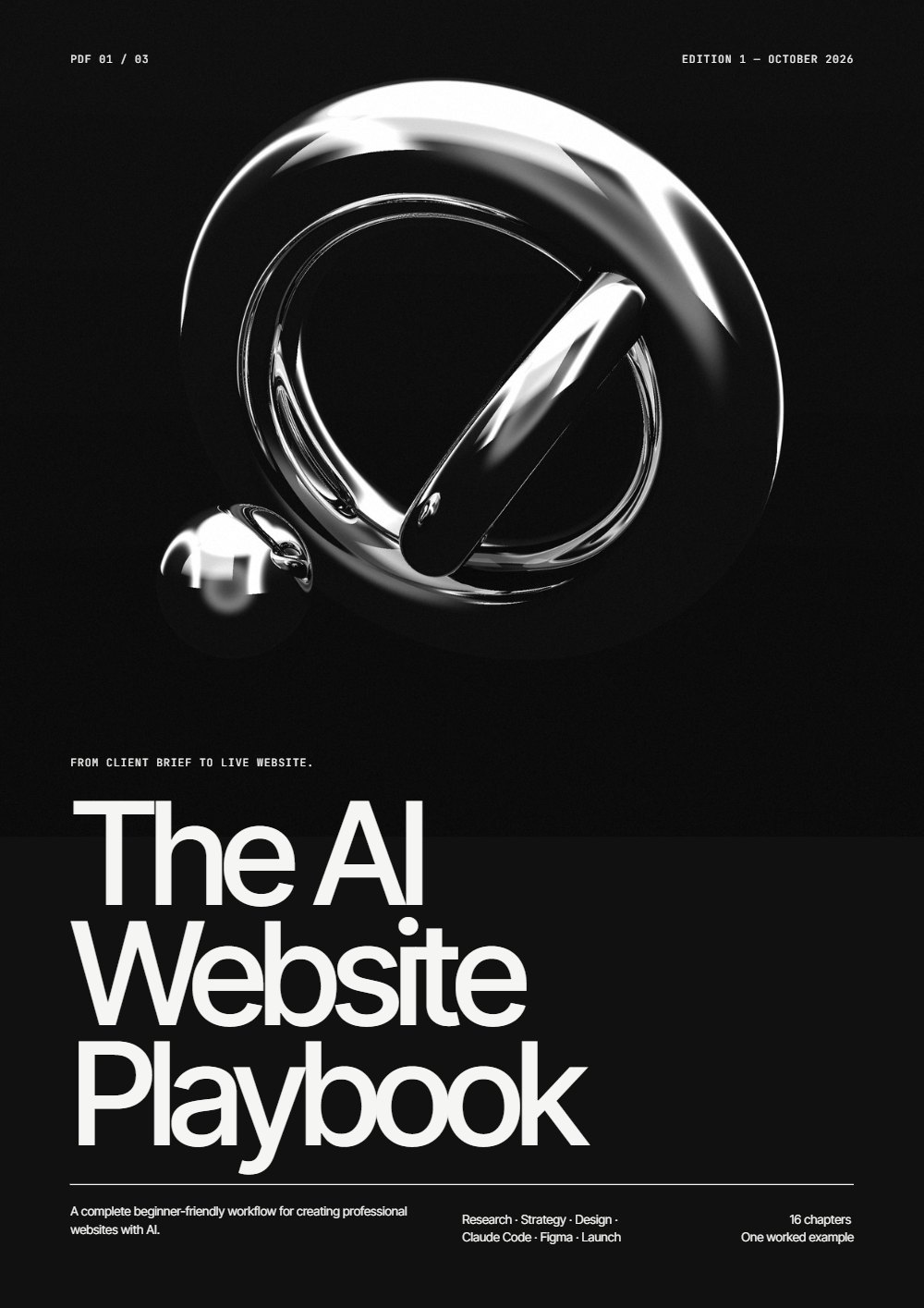
Cover of The AI Website Playbook
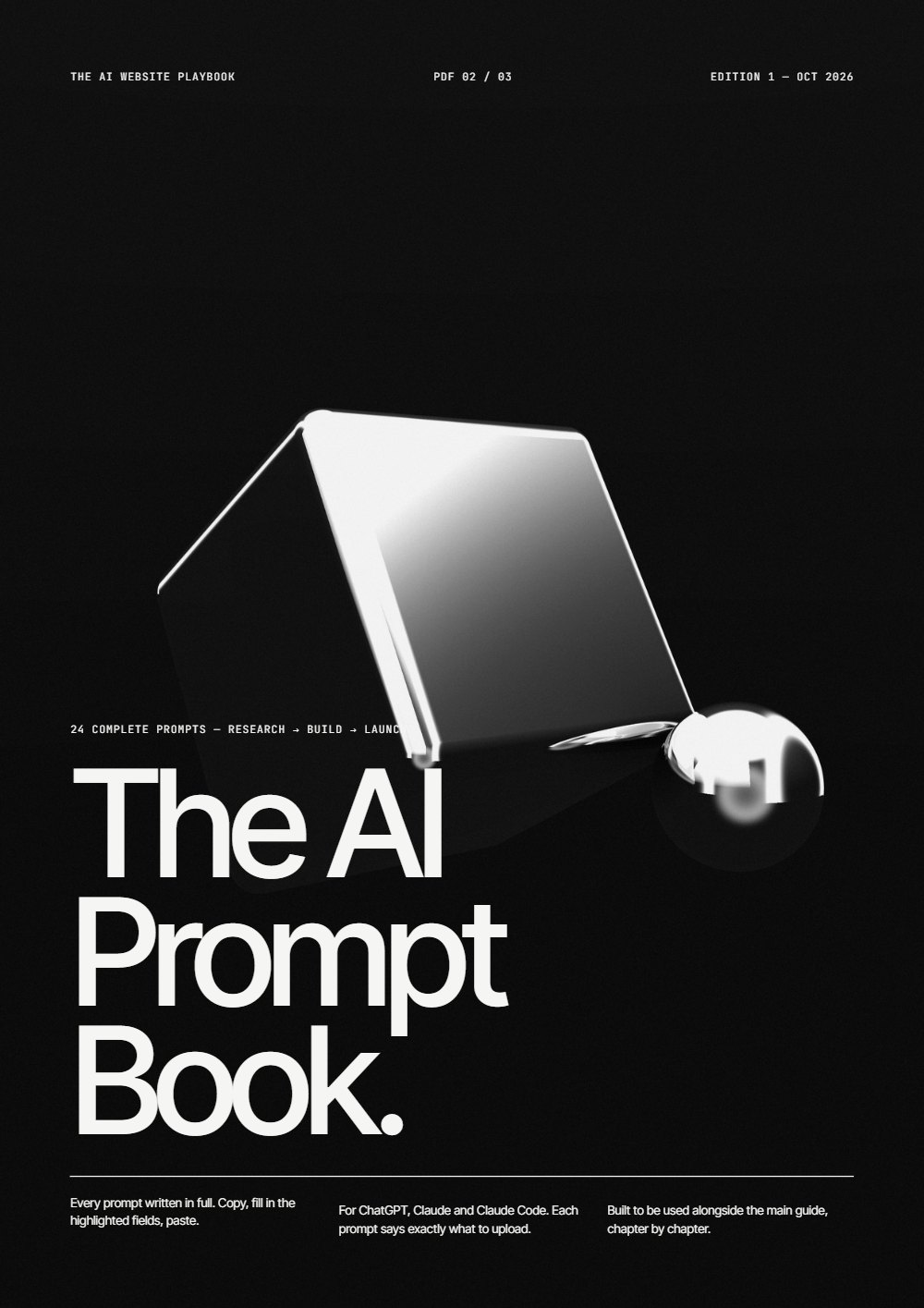
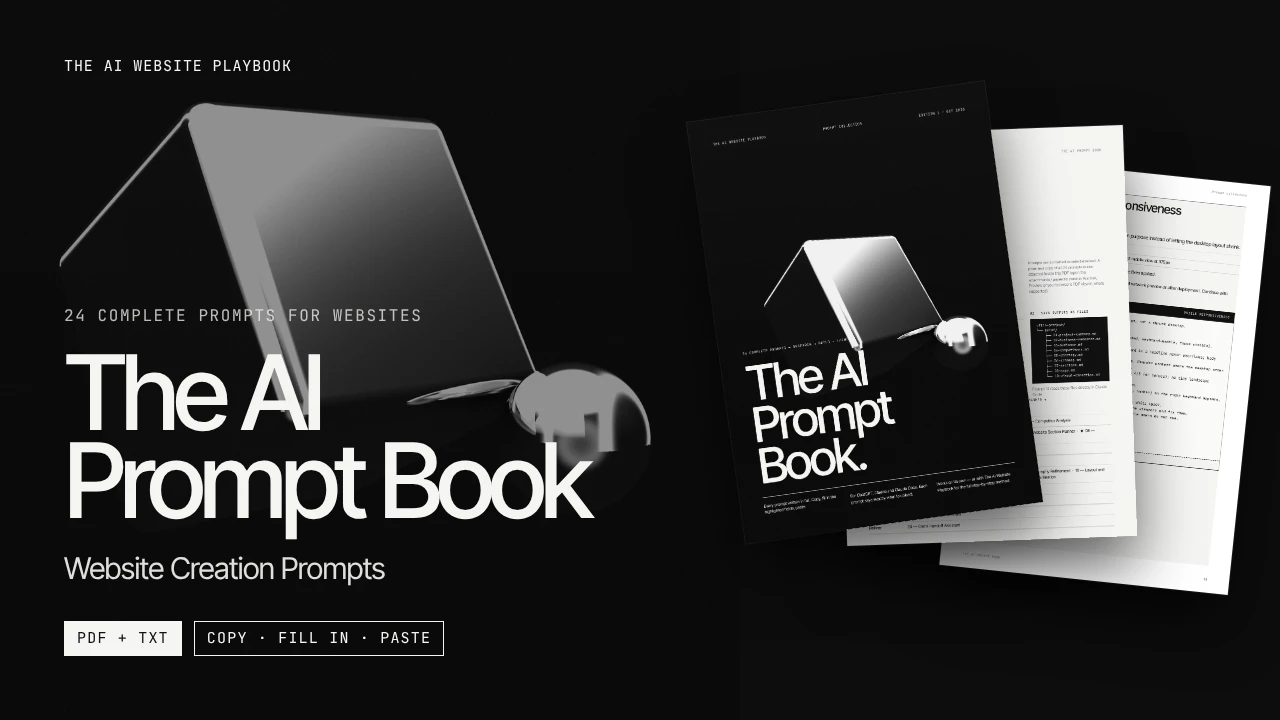
Cover of The AI Prompt Book
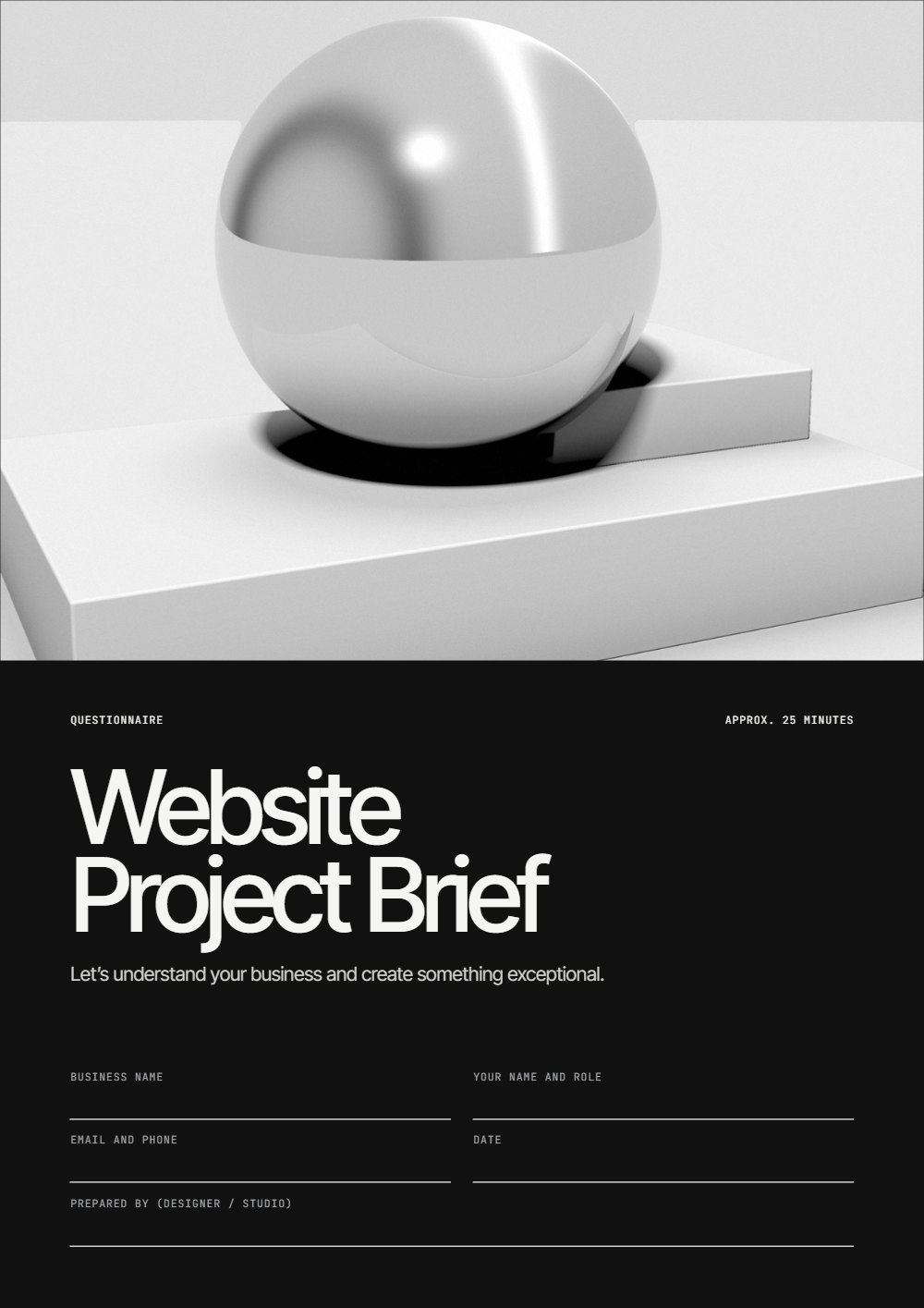
Cover of The Client Brief
Bonus · ZIPDemo
Project
source · planning · before versions
  • A · PDFThe Playbook65 pages, 16 chapters, one project start to finish
  • B · PDF + TXTThe AI Prompt Book24 complete prompts, 8 core ★
  • C · Fillable PDFThe Client BriefQuestionnaire + proposal & estimate
  • D · ZIPDemo Villa ProjectSource files, planning files, before versions

05 — Inside the guide

The entire process.
Explained, step by step.

65pages
16chapters
01project, start to finish
  1. 00–02

    Start right

    Your new workflow starts here · Find an opportunity · Ask better questions

  2. 03–05

    Think before you design

    Research before you design · Turn information into structure · Don't prompt blindly

  3. 06–08

    Build with Claude Code

    Set up your creative engine · Give your AI better tools · From prompt to pixels

  4. 09–10

    Make it good

    Good design is not an accident · Refine. Don't restart.

  5. 11–12

    Figma optional

    From code to canvas · Design with an AI partner

  6. 13–15

    Ship and get paid

    Go live · From project to payment · Now do it yourself

06 — The prompt engine

24 prompts.
One connected system.

  1. inClient Brief
  2. 01–04Research
  3. 05–11Strategy & direction
  4. 12Master Website Builder
  5. outWebsite
01Client Brief Analyzer02Business Research03Target Audience Research04Competitor Analysis05Website Strategy Generator06Sitemap Generator07Website Section Planner08Website Copywriter09Headline and CTA Generator10Visual Direction Generator11Reference Screenshot Analyzer12Master Claude Code Website Builder13Website Design Critic14Remove Generic AI Design15Typography Refinement16Layout and Spacing Refinement17Mobile Responsiveness18Interaction and Animation19Website Debugger20Website QA21Figma Design Critique22Figma AI Editing23Deployment Assistant24Client Handoff Assistant
The AI Prompt Book — 24 complete prompts for websites, PDF + TXT

07 — The client kit

Look professional
before the first pixel.

Most projects go wrong in the first conversation. Send a document instead of asking “so, what do you want?”.

156fillable fields

Client Brief

An 11-page questionnaire: business, customers, website, brand, competitors, content, project details.

P1–P2proposal pages

Proposal & Estimate

Scope, timeline and terms — agreed in writing before work starts.

08 — Claude Code

Your ideas.
Real code. Live site.

You don't write the code. You direct it: decide what gets built, review every result, say exactly what to fix.

  1. 01 · project folder
    • ▾ my-website/
    • brief/ 01-project-summary.md
    • brief/ 05-strategy.md
    • brief/ 08-copy.md
    • brief/ 10-visual-direction.md
  2. 02 · claude code

    › Prompt 12 — Master Website Builder

    reading brief/ …

    planning sections …

    writing index.html, styles.css …

03 · the result — vera, built with claude code

Scroll inside the laptop and the phone — it's the real site. The terminal above is an illustration of the workflow.

09 — Design quality

Make AI design
look designed.

The first build is never the finished site. Chapter 09 names thirteen mistakes AI makes — and the fix for each. Chapter 10 applies them one change at a time.

10 — Results

Sites I've built
with this workflow.

Real projects by Ivanchenko Sophia — different industries, one process.

11 — The outcome

Learn a skill.
Build something real.

  1. 01Run a website project start to finish
  2. 02Get requirements a client commits to
  3. 03Direct AI with complete instructions
  4. 04Judge design — and fix it
  5. 05Publish free, on a real domain
  6. 06Hand over like a studio

12 — Who it's for

Built for
the next makers.

  • 01

    Beginners

    You need the order of steps, not more tools.

  • 02

    Aspiring web designers

    Ship real sites without learning to code first.

  • 03

    Junior designers

    Build what you design — and bring it back into Figma.

  • 04

    Freelancers

    A repeatable process from questionnaire to handover.

  • 05

    Creators

    A professional site for your own brand, made by you.

  • 06

    AI enthusiasts

    Results that don't look like everyone else's.

Not for you if you want a video course, or to learn hand-coding line by line.

13 — What you receive

The complete
creative toolkit.

FileFormatInsidePrompt BookPlaybook
The AI Website PlaybookPDF65 pages, 16 chapters, one worked example, troubleshooting, schematics, glossary—✓
The AI Prompt BookPDF + TXT24 complete prompts, 8 core ★✓✓
The Client BriefFillable PDF11-page questionnaire (156 fields) + proposal & estimate—✓
Demo Villa ProjectZIPFinished site source, planning files, “before” versions—✓
START HERETXTWhat to open first, and your first hour—✓

All materials are in English.

14 — Pricing

Pick your
way in.

One-time payment in US dollars. No subscription.

The AI Prompt Book

Entry

AI Prompt Book

$9.78

The 24 prompts on their own. The tools, without the method.

  • 24 complete prompts — PDF
  • Plain-text copy — TXT
  • Quick-start guide
Get the Prompt Book

Recommended

Brief to Live — The AI Website Playbook: 65-page guide, 24 prompts, client kit, demo site

Complete system

Brief to Live — The AI Website Playbook

$21.74

The full method, every tool it uses, and a finished project to learn from.

  • The Playbook — 65 pages
  • The AI Prompt Book — PDF + TXT
  • The Client Brief + proposal
  • Demo Villa Project — source
Get the Complete System
  1. 01Choose a package. Checkout opens on Lava.top.
  2. 02Pay by card, PayPal or Apple Pay.
  3. 03Get the files by email as soon as payment is confirmed.

Payments are processed securely by Lava.top.

15 — Honest costs

What you need
to get started.

Claude Pro
Required to buildClaude Code needs a paid Claude plan (Pro or higher), with usage limits that reset over time. Prices on claude.com/pricing.
ChatGPT or Claude
Free plans workFor research, strategy and copy.
Hosting + form
FreeCloudflare Pages and Formspree free tiers, with monthly limits.
Domain
Optional · paid yearlyOften paid by the client.
Figma
OptionalFree plan is enough for the optional chapters.
Language
EnglishAll materials are in English.

16 — FAQ

Questions,
answered.

Do I need coding experience?

No. Claude Code writes the code from your instructions. You read, review and ask for fixes — the guide has a troubleshooting page and debugging prompts for when something breaks.

What exactly do I receive?

Complete system: the 65-page Playbook (PDF), the AI Prompt Book (PDF + TXT), the Client Brief with proposal & estimate (fillable PDF), the Demo Villa Project (ZIP) and a START HERE file. The Prompt Book alone: 24 prompts as PDF and TXT plus a quick-start guide.

Is this a video course?

No. It's a written, designed guide with prompts, client documents and a demo project. You work at your own pace.

Do I need Claude Pro?

For the building stage, yes — Claude Code requires a paid Claude plan. Research, strategy and copy work on free ChatGPT or Claude plans.

Windows or Mac?

Both. Claude Code runs on macOS and Windows; hosting and forms are web services.

Can I build websites for clients?

Yes — that's what the client kit and the chapter on pricing and handover are for.

Is Figma required?

No. The Figma chapters are optional.

How long does it take?

It depends on your pace. Your first site takes longest, because you're learning the process while using it.

How do I get the files?

By email, from Lava.top, once your payment is confirmed. Check spam if it isn't there in a few minutes.

How does checkout work?

The button opens the Lava.top page for that exact product. Enter your email, choose a payment method and pay. Prices are in US dollars.

Is income guaranteed?

No. You get a skill and a process. What you earn depends on your clients, your market and your work.

Are updates included?

Your purchase includes the current edition of every file in your package.

Your next skill
starts here.

Brief to Live — The AI Website Playbook

The workflow, the prompts, the client kit and a finished project — from first brief to live site.

$21.74 one-time

Get the Complete System Or start with the Prompt Book